The whole week on one screen
Open shifts, agency cover, bridging shifts.
MyRoster.Health runs the entire weekly roster for your rest home, aged care facility or home care service: shift windows and wings, open shifts and agency cover, timesheets and payroll export, all in one place. And when care time, registered nurse cover or the evidence behind them matter, it is the one roster that also turns your week into a printable evidence pack, every figure captioned with where it came from.
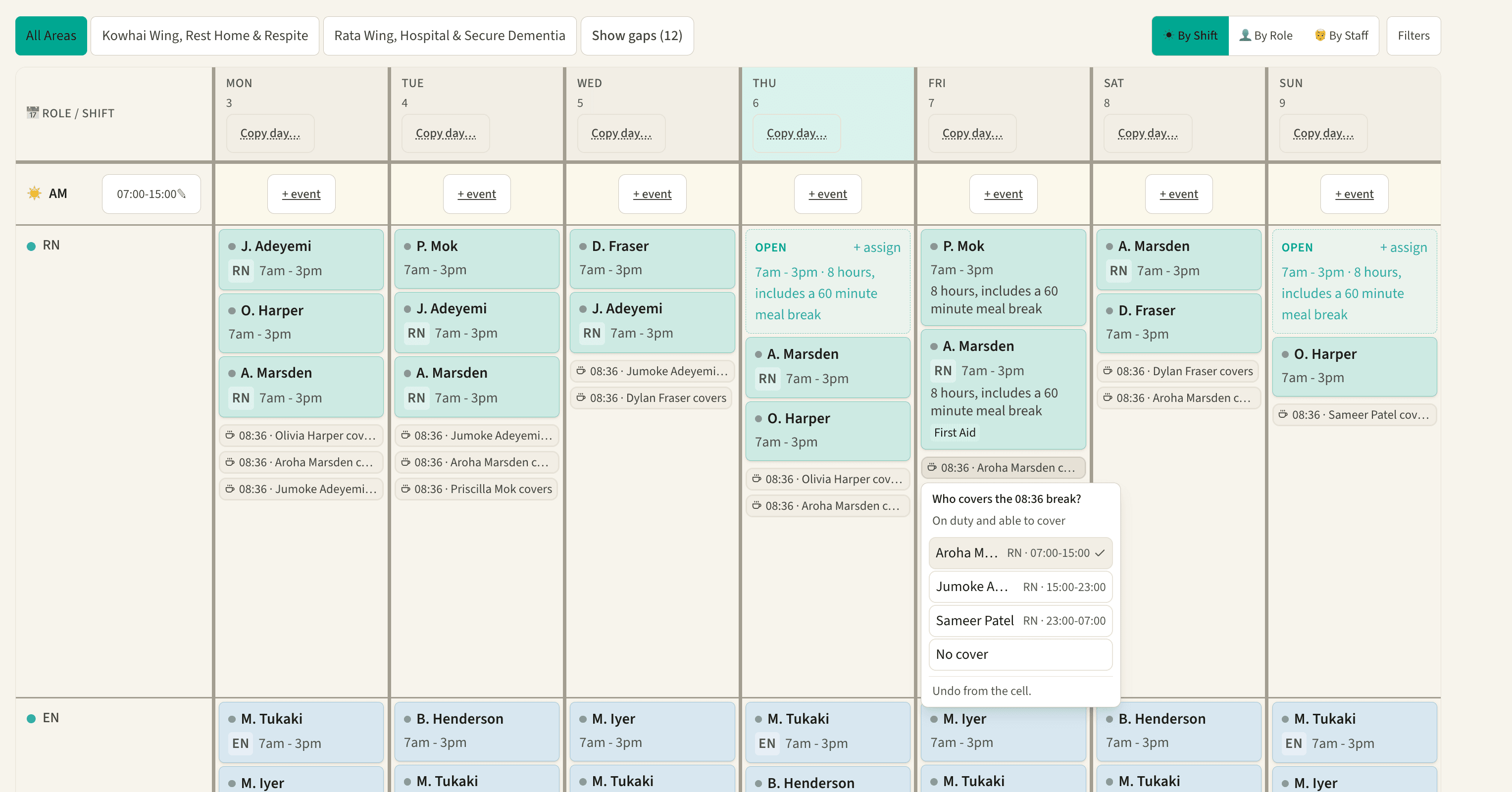
Type the question the way you would say it across the office. The assistant reads your live week and answers with its reasons: who is free, who knows the wing, and what the change costs in hours. Ask it to fill a care vacancy, find break cover, or draft next week from last week, and nothing changes until you approve it. The week you approve carries on through timesheets into payroll.
Flow examples. The three flows are worked examples of the assistant. The names, times and shifts in the example dialogues are examples, not anyone's data.
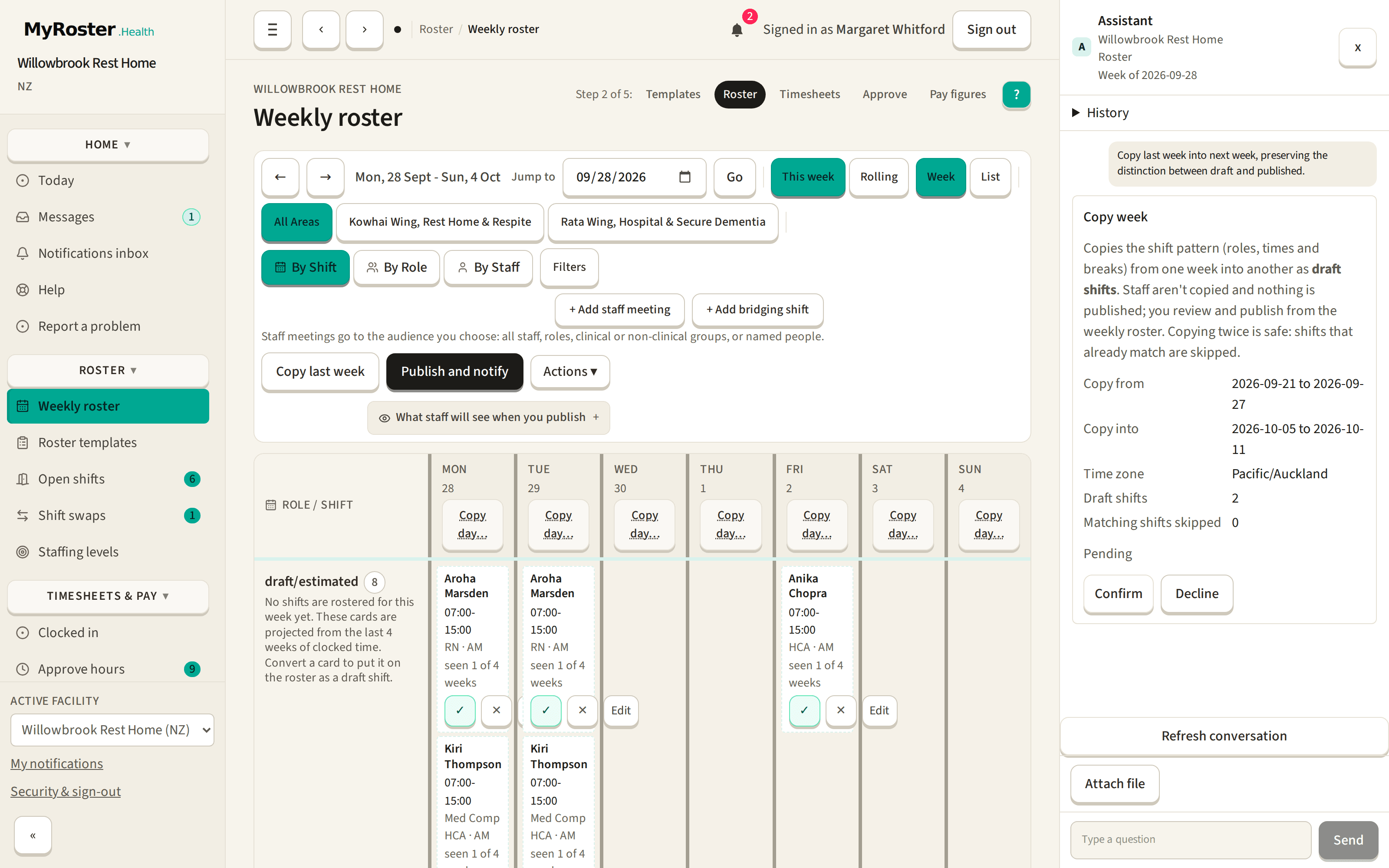
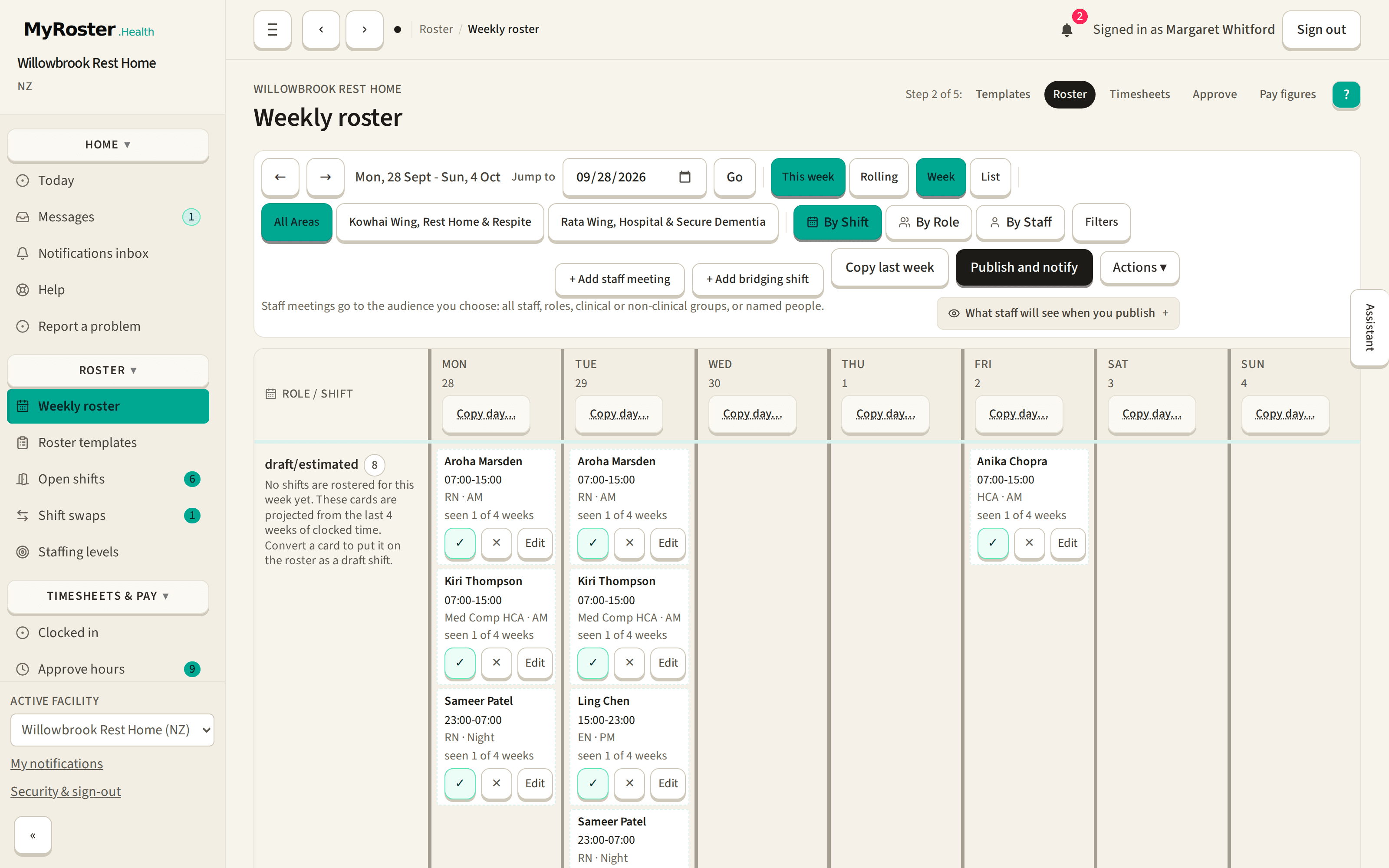
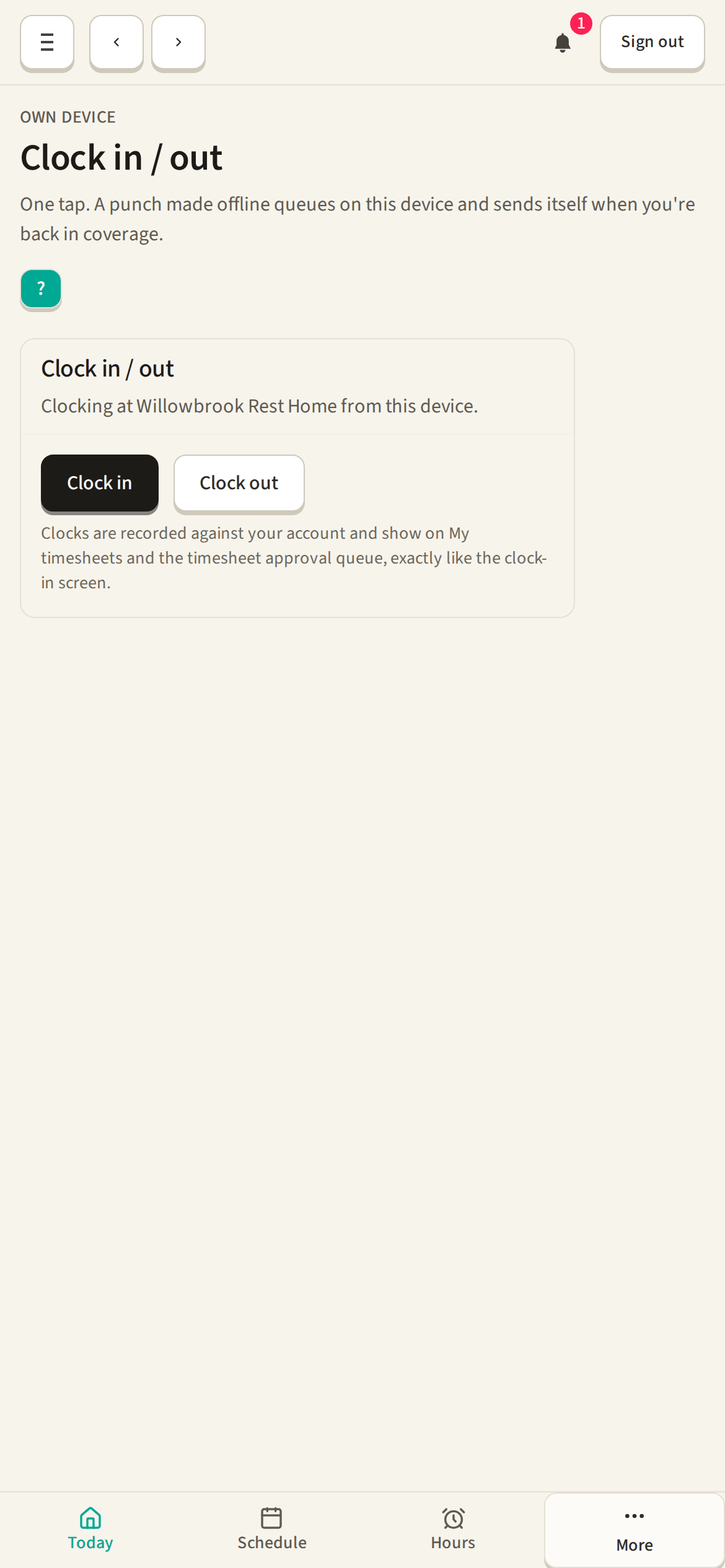
Rest home level, hospital level care and dementia care sit in the same week and pull on the same people. MyRoster runs all of it: your own shift windows and wings, the shifts nobody has picked up yet, agency cover when your own team cannot stretch, and timesheets that carry straight through to a payroll export.
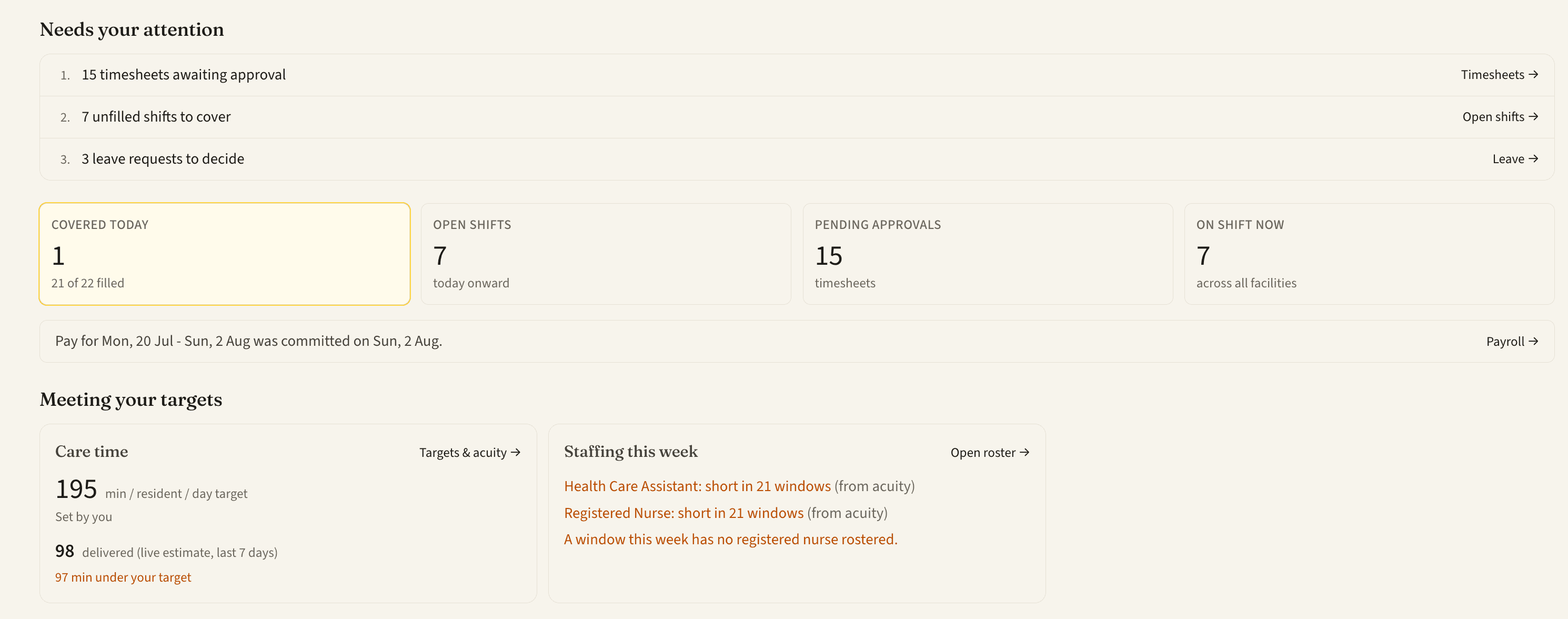
Most rostering tools stop at the grid. MyRoster keeps going: set your own care-time target, record care need as deep as you like, and every morning the Today view shows care time delivered, registered nurse cover, and where the week runs short. From your target, to the roster, to the report you print.
The other half of the sector runs on the same week and none of the same shapes. MyRoster runs it: clients at addresses instead of rooms, an ordered day route instead of a wing grid, travel between clients counted and paid, and a support worker who checks in at the door on the phone in their pocket.
Illustration. A drawing of the day routes screen, made for this page. The people, addresses, times and travel minutes in it are examples, not anyone's data.
Plan each person's day as an ordered run of visits with the travel time between homes counted. Publish, and everyone gets their own route.
Care and support workers check in and out of each visit on their own phone, online or not. No answer at the door starts the right follow-up straight away.
Travel between clients is recorded, valued by your country's rules, and itemised on the payslip and every export.
Addresses, access notes, funded hours and visit plans. Every record is kept and exportable.
You set the words, the windows, the rules and who can do what, and the whole product reads your way, everywhere.
Suggestions are drawn from your own facility's data, with the evidence beside them. Nothing is a black box: every suggestion says why this person, and when nobody fits it says why not and what would change it. You approve, or you do not.
Illustration. A drawing of the open shift screens, made for this page. The people, times and figures in it are examples, not anyone's data.
The part of the week that usually takes the phone calls. Six things the roster does first, each one able to show you exactly why.
The availability they declared, the wing they already know, a fairer share of the weekends, the care needed on the day. Every suggestion carries its reasons in plain words.
When nobody fits, the shift names what stops each person, then offers the changes that would open it: shorten the shift beside it, post it to your staff, escalate it.
Break-aware headcounts, so a wing that looks covered all day is not left short at 11:00. Any window with no registered nurse rostered on it is flagged.
The care need you record becomes the slots the week is missing, created as open shifts for you to approve. Nothing is published behind your back.
An unfilled shift goes to your first-choice agency at the hour you set, then down your own list until it is covered, and tells you where it got to.
Raise the need and the weeks that now run short show themselves, while there is still time to do something about them.
Everything that has to be true after the roster is published, kept in the tool that already knows who worked.
Every report on your dates, compare two periods, build your own, and bundle a board pack.
Project hours, cost and gaps for a scenario, with the cheapest workable cover flagged.
Build inductions, supervision notes and policy acknowledgements, assign them, track completion.
Long-hours flags and lapsing credential dates, surfaced in time to act.
Shared-device sign-in for the floor, plus optional two-factor email sign-in where it is needed.
In-app messaging and notifications, added to the home screen from the browser.
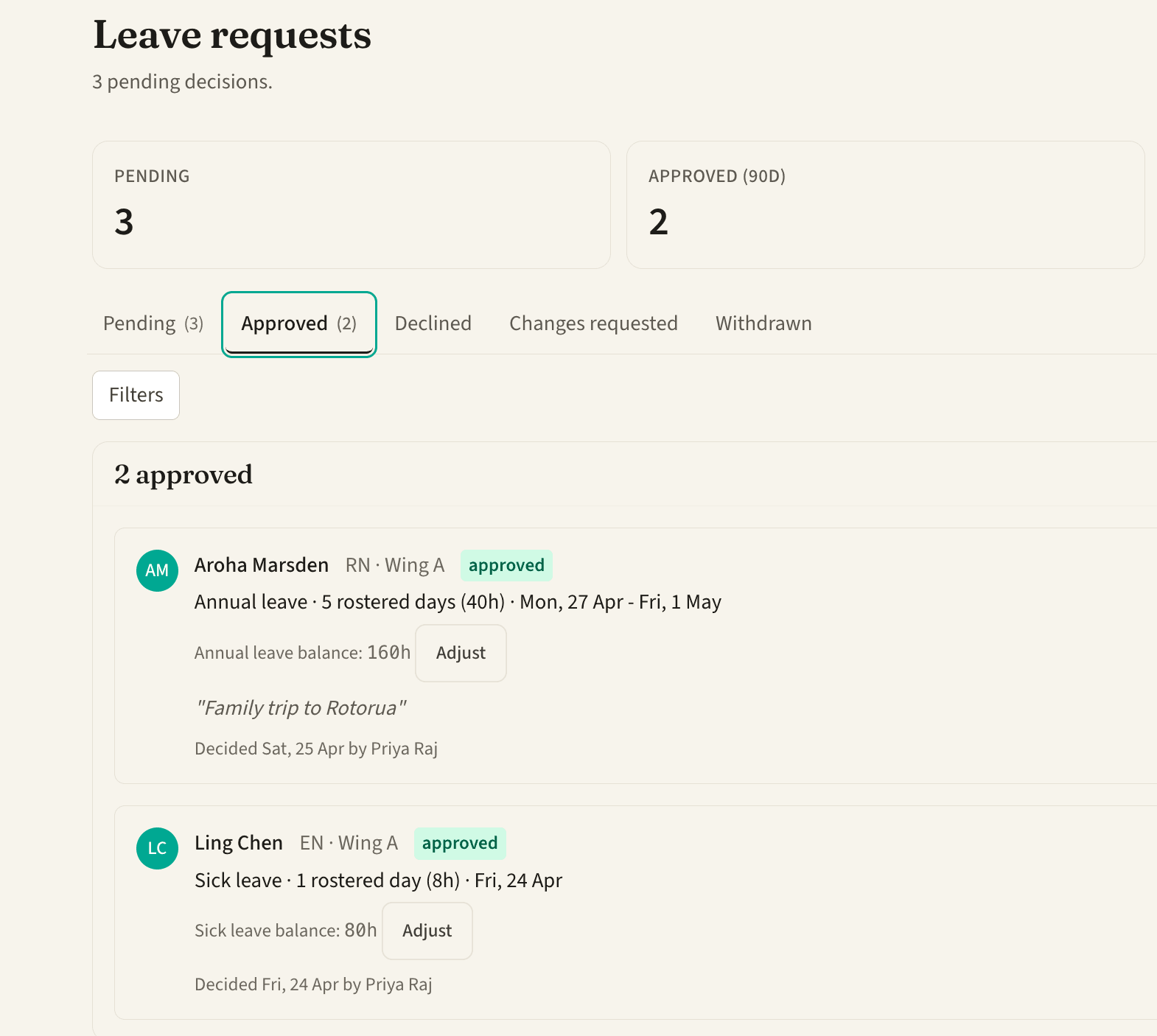
Every figure the product shows you is captioned with where it came from, and if it has no source it does not appear. The screens pictured on this page are real screenshots of the running product. The panels drawn in this section and in the community section, and the example flows in the conversational rostering section, are made for this page: the people, times and figures in them are not anyone's data, and each one says so underneath.
Prefer to talk first? Call 0800 124 451, 9am to 5pm, Monday to Friday, or email support@myroster.health.